The Passport, the Printer and the Payment Page: Applying for an Indian e-Visa From Britain in 2026
There is a particular look that crosses a British-Indian kitchen table when someone says, ‘Just let Uncle Raj sort the visa.’ It is love, partly. It is also a small surrender. Before you know it, your passport scan is floating around three WhatsApp groups and someone has paid a ‘service fee’ that cost more than the actual visa.
Here is the quiet truth for most British passport holders heading to India in 2026: a straightforward tourist e-Visa is a kitchen-table job. You need a passport, a decent photo, a card that works abroad, and the patience of someone waiting for a kettle to boil. No agent required.
Start at the official door, not the first search advert
The Indian e-Visa application lives on the government’s own site. Type the address carefully, bookmark it, and ignore the sponsored results that look almost right but charge a premium for retyping your details. If a website asks for a ‘processing service fee’ before you have even seen the official form, close the tab and make a cup of chai.
This is not about being anti-agent. It is about knowing which queue you are in. The official route is the one that issues the visa. Everything else is admin with a markup.
Choose the e-Visa that matches the trip
Most UK holidaymakers and diaspora families will be looking at the e-Tourist visa. There are also e-Business, e-Medical, e-Medical Attendant and e-Conference categories. The durations and conditions change from time to time, so check the official page on the day you apply rather than relying on a screenshot from a family group.
A few simple rules save headaches. Do not use an e-Tourist visa for paid work. Do not assume a business trip can slide through as a holiday. If you hold an OCI card, that is a different lane entirely. And if you are travelling on your British passport, make sure every detail on the application matches that passport, not the one you used ten years ago.
The photo is where calm people lose the plot
The e-Visa photo is not a portrait for the mantelpiece. It is a square, front-facing, white-background image with no filters, no shadows across the face, and no sunglasses. A wedding photo cropped within an inch of its life will not do. Nor will a selfie taken in a car with a window reflection across your forehead.
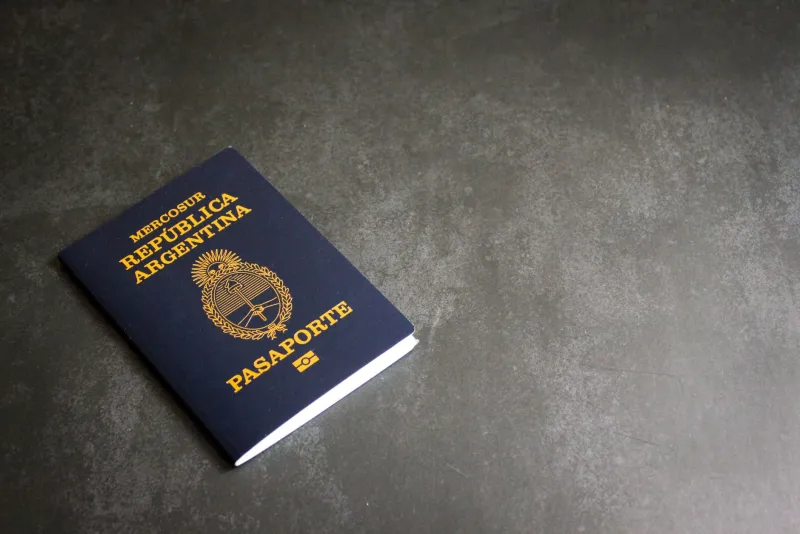
Get someone to take it against a plain wall in daylight. Keep your expression neutral. Check the file type and size on the official site before uploading. The same goes for your passport bio page: a clear colour scan or photo, all four corners visible, no thumb over the machine-readable zone.
While you are there, check your name. All of it. If your passport says one spelling and your flight ticket says another, fix the ticket now. The visa will follow the passport, and airports are not the place to discover a missing middle name.
The payment page is the real boss fight
The Indian government payment page has a reputation. Sometimes it sails through. Sometimes it sulks. Use a UK debit or credit card that is enabled for international transactions and online verification. Keep your bank app open. Do not refresh halfway through a redirect, and do not panic-retry five times in two minutes.
If a payment fails, check your bank before assuming the worst. Pending transactions can look dramatic. Wait, confirm whether money has actually left, then try again. Keep the receipt and application reference number somewhere sensible, ideally not just in your head.
A VPN can confuse the payment gateway. So can an aggressive ad blocker. Try a normal browser, a stable connection, and the kind of patience you would apply to a train replacement bus.
Timelines: four days is a rule, not a target
The official guidance says to apply at least four days before arrival. Treat that as the absolute minimum, not a comfortable plan. In busy periods, or if your application needs a second look, you will want more room. Apply when your documents are ready, not while you are still deciding which suitcase to take.
Once approved, save the e-Visa as a PDF and print a copy. Carry it with your passport, and keep a version on your phone. The visa is linked to your passport electronically, but a printed copy has saved many a traveller at a crowded airport desk.
The trusted agent conversation
This is the delicate bit. An aunt knows a man in Southall. A cousin’s friend has ‘done visas for years’. An agent may well be useful for complex cases: previous refusals, name mismatches, urgent travel, medical visits, or applications for children. But for a straightforward UK passport tourist trip, you are not buying expertise. You are buying someone to fill in a form you can fill in yourself.
If a relative insists, give them a job that does not involve keeping your passport scan on their phone. Ask them to proofread your name and dates. Let them make the tea. Keep control of the application, the payment and the email address. Never send a passport scan to a ‘contact’ just because they are vouched for in the family group. Trust is lovely; data protection is lovelier.
A kitchen-table checklist
Before you start, have your passport, a plain-background photo, your UK address, your address in India, an email you actually check, and a payment card ready. Check your passport validity and blank pages on the official site. Make sure your travel dates are roughly right. Then sit down, take it slowly, and resist the urge to let someone else ‘just handle it’.
The e-Visa is not a mystical ritual. It is a form, a photo and a payment page. In 2026, from a British kitchen, that is something you can do yourself.